Introduction
Experiencing a blinking orange light on your PS Vita can disrupt your gaming excitement, causing concern and confusion. This guide examines the meaning of the blinking orange indicator, its frequent causes, and offers practical steps to remedy the issue. By understanding these elements, you can ensure your device gets back to functioning smoothly.
What is the PS Vita Blinking Orange Light?
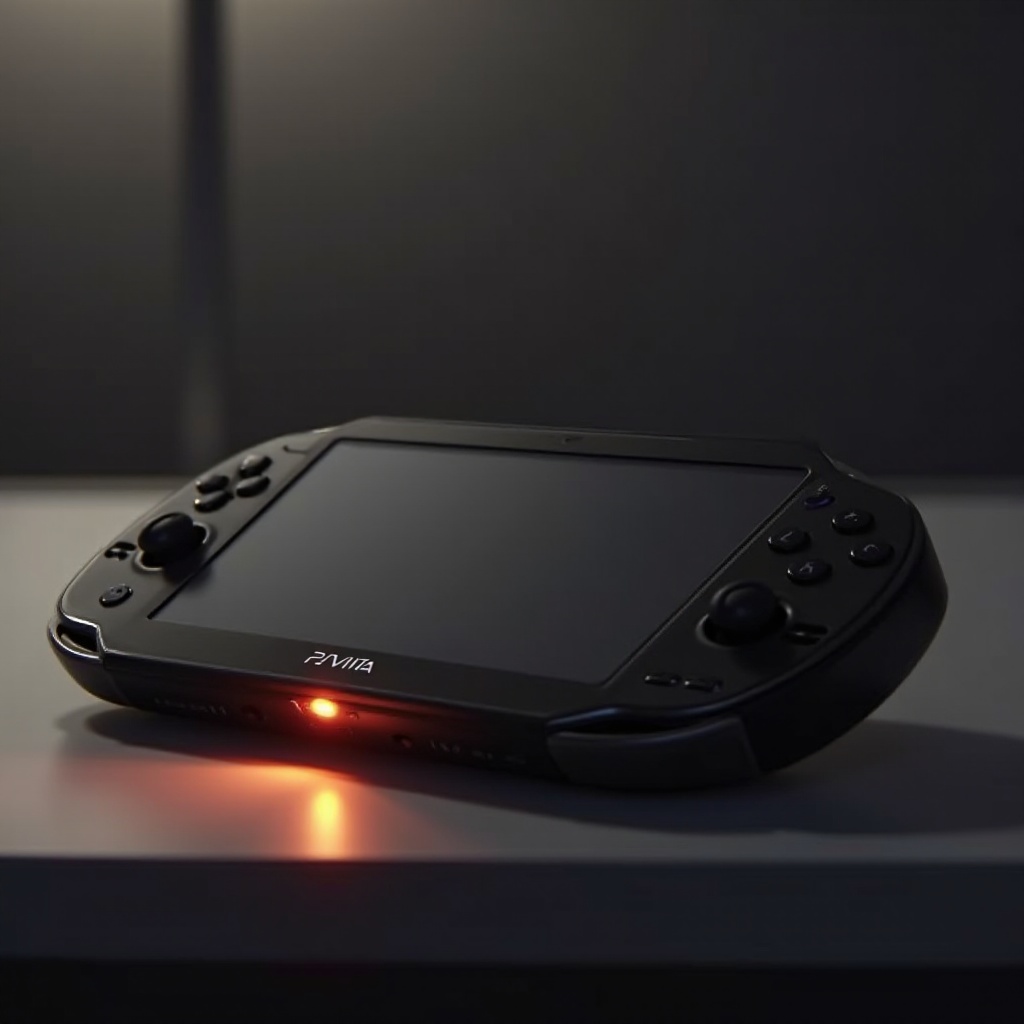
The PS Vita employs various light signals to convey the system’s status. The blinking orange light, in particular, serves as a notification about the charging process. While a steady orange light typically means the device is charging, a blinking light often indicates a disruption that requires attention.
Understanding the Blinking Indicator
A blinking orange light may suggest that the device’s power supply is encountering interruptions. This indication helps owners identify when to investigate potential malfunctions within the device. Recognizing this signal is vital to maintaining device health.
Common Causes of the Blinking Orange Light
Identifying the root cause of a blinking orange light is essential to solving the issue. Several factors might contribute to this problem.
Battery-Related Issues
Battery issues are frequently at the heart of the blinking orange light. If your battery is not holding a charge properly, it could cause this signal. Over time, batteries can lose their capacity, necessitating longer charging times or eventual replacement.
Charging Cable and Port Problems
Issues related to the charging cable or port are another potential cause. A damaged cable or dirty port can obstruct normal charging operations. Check for any visible changes in the cable’s condition or any debris in the port.
Software Glitches
Software discrepancies can also trigger the blinking light, preventing the system from correctly registering the charging status. These glitches require a different line of troubleshooting than hardware issues do.
How to Diagnose the Blinking Orange Light Issue
Before addressing the problem, accurate diagnosis is crucial. The following steps will guide you through this initial stage.
Initial Troubleshooting Steps
- Check your power source to ensure it is operational by testing with another device or by using a different outlet.
- Inspect both the charging cable and port for signs of wear or debris. If possible, test with a different cable.
- Allow the device to charge uninterrupted for at least 30 minutes, then check the battery status again.
- Perform a simple restart by turning the device off and back on to clear minor software issues.
Solutions to Fix the Blinking Orange Light
Having diagnosed the issue, the next step is implementing solutions designed to resolve it.
Charging and Battery Fixes
- Consider replacing the battery, especially if it has shown signs of wear and diminished capacity.
- Try using an alternate, compatible charger to rule out issues with the current one.
Hardware and Connection Checks
- Clean the charging port carefully using a dry brush or a can of compressed air to remove any dirt.
- Replace damaged cables with high-quality alternatives to ensure a reliable connection.
Software Updates and Restarts
- Connect your PS Vita to Wi-Fi and proceed to download and install any available system updates to address software glitches.
- As a last resort, initiate a factory reset after backing up essential data. This can resolve persistent software-related problems.
When to Seek Professional Help
If all troubleshooting attempts fail, professional intervention might be necessary. Recognizing when the problem exceeds DIY repairs is important.
Recognizing Hardware Faults
Persistent malfunctions could indicate an internal hardware issue that requires specialized attention. Seek help from Sony support or an authorized service provider to prevent further damage.
Conclusion
A blinking orange light on your PS Vita can disrupt your gaming, but understanding its causes and solutions can help you resolve it quickly. With regular maintenance and informed troubleshooting, ensure your device remains in prime condition for your gaming sessions.
Frequently Asked Questions
What does the orange light on PS Vita mean?
The orange light generally indicates that the device is charging. A blinking light, however, can signal a disruption in the charging process.
Can a software update fix the blinking orange light issue?
Yes, updating system software can resolve certain glitches that lead to a blinking orange light.
Is it safe to continue using the PS Vita with a blinking orange light?
Addressing the blinking orange light promptly is advisable. Prolonged issues can lead to larger hardware problems.