Introduction
If your Roku soundbar is blinking orange, it’s an indicator that something needs attention. This light often signals issues like connectivity problems or a pending update. To keep your audio system working seamlessly, it’s crucial to understand and resolve this alert. In this guide, we’ll explore the reasons behind a blinking orange light and provide detailed steps to address these issues effectively.
Understanding the Roku Soundbar’s Indicator Lights
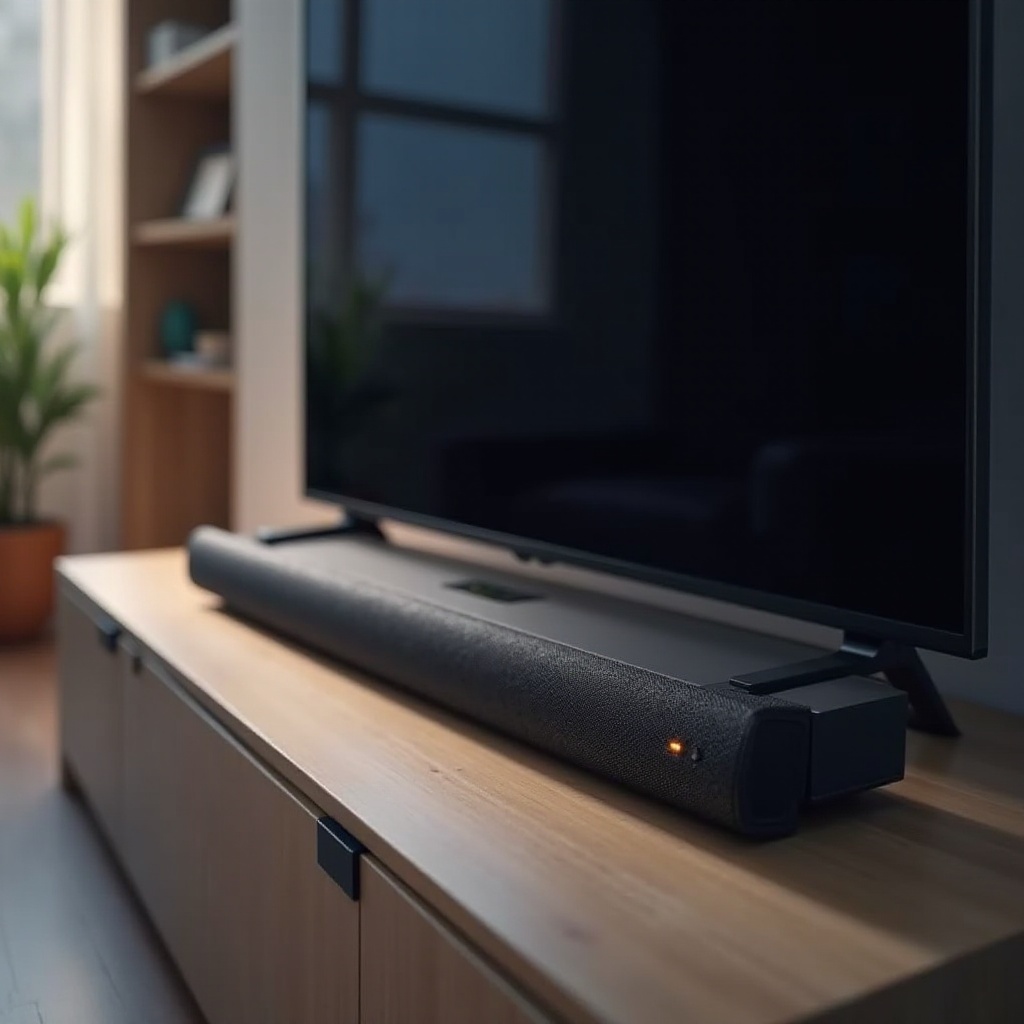
Roku soundbars use various light signals to communicate device status, and a blinking orange light is typically a sign of an issue. This might relate to connectivity, pending updates, or hardware concerns. Recognizing these signals helps identify problems quickly, allowing you to take appropriate action. In the following sections, we will discuss the common causes of the blinking orange light and methods to troubleshoot the problem effectively.
Common Causes for a Blinking Orange Light
There are several reasons why your Roku soundbar might blink orange:
-
Network Connectivity Problems:
An unstable internet connection often causes the orange light to blink. The soundbar might be struggling to connect to your Wi-Fi, or there could be interference from other devices. Ensuring a stable connection is key to resolving this. -
Firmware Updates and System Maintenance:
Sometimes, the orange light indicates a needed firmware update. Keeping the firmware updated is essential for optimal performance and to add new features. -
Power Supply and Hardware Issues:
Another cause could be related to power supply problems or hardware malfunctions. Ensuring all cables are connected properly and functioning is essential to prevent this issue.
The next step involves taking a closer look at these potential issues and working through them systematically.
Step-by-Step Troubleshooting for a Blinking Orange Light
Here’s how you can troubleshoot the blinking orange light on your Roku soundbar:
- Checking and Resetting Network Connections:
- Verify that your Wi-Fi network is active and connected to the soundbar.
- Reset your modem and router if the connection seems unstable.
-
Reconnect the soundbar to the network to check if this resolves the problem.
-
Power Cycling the Roku Soundbar:
- Turn off the soundbar and unplug it from the power source.
- Wait for about 10 seconds before plugging it back in.
-
Turn the soundbar back on to see if the issue remains.
-
Ensuring the Latest Firmware Update:
- Open the soundbar’s settings menu using your TV remote.
- Check for any available system updates and install them.
-
Restart the soundbar after updates to ensure they’re applied.
-
Inspecting Power Cables and Connections:
- Check all power cables and connections for any damage or loose connections.
- Ensure everything is securely connected to both the soundbar and the power outlet.
- Replace any damaged cables to prevent future issues.
If your soundbar continues to blink orange despite troubleshooting, it might be time to seek expert assistance.
When to Contact Professional Support
Should you find the orange light still blinking after trying all troubleshooting steps, it’s likely time to contact professional support. Persistent light indications after exhaustive personal attempts point to more severe internal problems that need professional attention. Contact Roku’s customer support or visit your retailer to leverage warranty services. This will ensure that any internal issues are properly diagnosed and resolved.
Preventive Measures to Avoid Future Blinking Orange Issues
Regular preventive maintenance can help you avoid future issues:
- Regularly check and update the soundbar’s firmware to ensure it operates at peak performance.
- Make sure your soundbar has a strong, stable connection by positioning your router optimally.
- Regularly inspect your soundbar’s power supply and connections to ensure they remain in good condition.
- Avoid overloading the power outlets and ensure proper ventilation to prevent overheating.
Implementing these preventive measures will minimize the chances of encountering a blinking orange light in the future, allowing you to enjoy uninterrupted sound from your device.
Conclusion
Experiencing a blinking orange light on your Roku soundbar can be frustrating, yet resolve. By understanding the potential causes and applying the troubleshooting steps outlined here, you can often restore your soundbar to optimal functionality. If the issue persists after these efforts, professional support is recommended. Routine maintenance and timely updates will also help prevent this issue from arising again, ensuring your audio system continues to deliver superior sound quality.
Frequently Asked Questions
What should I do if my Roku soundbar is still blinking orange after troubleshooting?
Consider contacting Roku technical support or professional help, as it might indicate a deeper hardware issue.
Can the blinking orange light signal any other issues with the Roku soundbar?
Yes, while typically related to connectivity or updates, it can also indicate internal hardware issues requiring attention.
How often should I update the firmware on my Roku soundbar?
It’s advisable to check for updates every few months to ensure your device stays current with the latest features and security enhancements.