Introduction
Roku Ultra has become a popular choice for streaming enthusiasts, offering high-quality entertainment effortlessly. However, users often encounter the issue of overheating, which can disrupt the viewing experience. In this article, we delve into the main causes of Roku Ultra overheating, guide you on identifying the warning signs, and present effective solutions to prevent and fix these issues, ensuring your device maintains optimal performance.
Understanding Roku Ultra Overheating
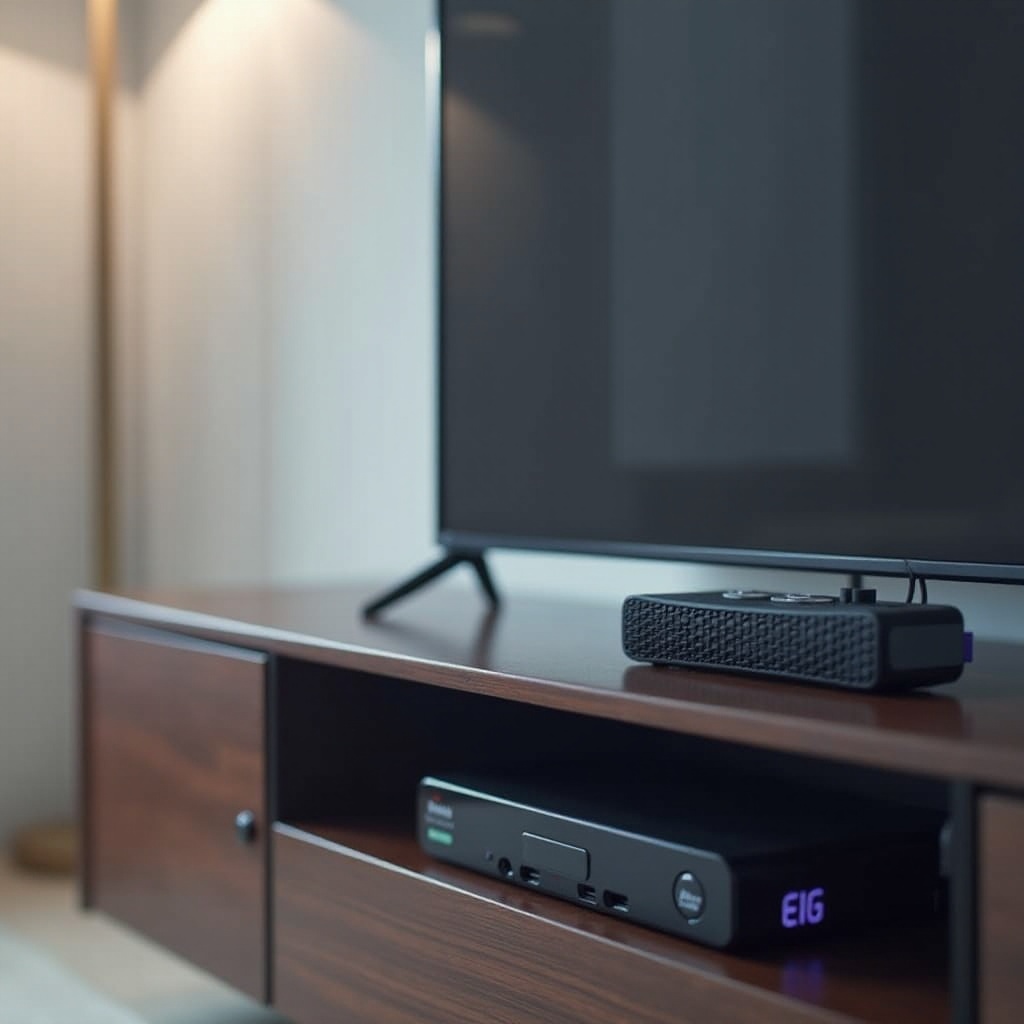
Overheating in Roku Ultra devices is often caused by extended usage without adequate ventilation. When used continuously, the internal components generate heat, raising the device’s temperature. This condition is exacerbated when the device is placed in confined spaces or on surfaces that trap heat, such as carpets.
Additionally, software glitches can exacerbate the problem by forcing the device to process more than usual, adding to the heat load. Recognizing the underlying factors that contribute to these thermal issues is crucial for effective management.
Understanding these factors sets a foundation for symptom recognition, which is a key step in addressing Roku Ultra overheating.
Identifying Symptoms of Overheating
Recognizing symptoms early can help you mitigate the problem before it worsens. Common signs your Roku Ultra might be overheating include:
- Performance lags: Slow streaming or delayed response times often signal overheating.
- Overheating warning messages: Some devices display alerts when critical temperatures are met.
- Unexpected shutdowns: The device may automatically power down to protect itself from heat damage.
By spotting these symptoms, users can apply appropriate measures promptly. Next, let’s explore some of the best practices to keep your device cool and functioning properly.
Best Practices for Preventing Overheating
-
Optimal Device Placement: Ensure your Roku Ultra is positioned on hard, flat surfaces that allow for proper airflow. Avoid placing it on rugs or inside entertainment units.
-
Ensure Proper Ventilation: Keep the area around your Roku uncluttered to facilitate airflow.
-
Regular Software Updates: Update to the latest software versions to ensure any bugs contributing to overheating are addressed.
Employing these strategies significantly reduces the risk of overheating. However, if issues persist, it is necessary to troubleshoot and address lingering problems.
Troubleshooting Steps for Overheating Issues
When preventive actions fail, these troubleshooting steps can help resolve overheating:
-
Restart the Device: A simple restart can cool the device and resolve minor software issues. Unplug the Roku, wait 10 seconds, and reconnect it.
-
Utilize Cooling Accessories: Position a small fan nearby to bolster cooling through enhanced airflow.
-
Software Check: Review system performance for software glitches. Remove unused apps to minimize processing load, reducing heat production.
Having strategies in place to address issues ensures that your Roku Ultra remains a reliable part of your entertainment setup.
Integrating Roku Ultra into Your Entertainment Setup Without Overheating
Effective integration of the Roku Ultra into your home system can prevent overheating and improve the device’s performance:
-
Smart Placement: Avoid positioning the Roku with other heat-emitting devices.
-
Manage Connected Devices: Disconnect any unnecessary devices to relieve electrical and thermal strain on your system.
By considering these strategic placements and connections, you can avoid heat buildup and maintain a smooth streaming experience.
Conclusion
Preventing and addressing Roku Ultra overheating requires identifying signs early and implementing proactive measures. An understanding of both the causes and solutions ensures that you can enjoy uninterrupted streaming. Use the prevention and troubleshooting tips discussed here to maximize your Roku Ultra’s efficiency and longevity.
Frequently Asked Questions
What should I do if my Roku Ultra continues to overheat despite taking precautions?
If your Roku Ultra continues to overheat, it is advisable to contact Roku support for further assistance or potential device evaluation.
Can overheating damage my Roku Ultra permanently?
Yes, prolonged overheating can cause permanent damage to internal components if not addressed promptly.
Does Roku offer specific cooling accessories for their devices?
While Roku does not offer official cooling accessories, third-party solutions such as USB fans can help maintain cooler temperatures.