Samsung TVs are renowned for their advanced features and sleek designs. An integral part of their user experience is the startup sound, which is not just an aesthetic choice but also an auditory signal confirming that your TV is powering on properly. By understanding and personalizing this feature, you can enhance your overall viewing experience. This article will guide you through the significance of the startup sound, how to customize it, and troubleshoot common issues to help you get the most out of your Samsung TV.
Introduction
The Samsung TV startup sound greets users each time they power on their TVs. It’s a distinct sound designed to assure users of the TV’s proper initialization. Often, this feature slips by unnoticed, yet with some know-how, it can transform from a simple audio cue into a personalized signature for your Samsung TV.
What is the Samsung TV Startup Sound?
The startup sound on a Samsung TV is a preset audio tone that plays when the TV is turned on. Serving multiple purposes, it lets users know the TV is starting up correctly while adding a polished touch to the branding experience. Over the years, this sound has evolved in clarity and distinctiveness, becoming a reliable part of users’ daily routines and providing a comforting sense of reliability every time the device is activated.
Knowing how the startup sound is generated helps when considering adjustments. Typically embedded in the TV’s firmware, this feature is an integral part of the device’s function. Understanding its operation is essential before making any changes.
The Significance of the Startup Sound in Samsung TVs
More than an auditory cue, the startup sound embodies the brand’s style, communicating consistency and reliability. This elegant sound enhances the sophisticated user experience Samsung aims to deliver. It also reinforces the brand identity by engaging users from the moment the TV is turned on.
The consistent use of the startup sound enriches the viewing experience. More than just a feature to be noticed, it’s an accessory that contributes to the immersive entertainment environment provided by the TV. Appreciating this feature helps us see the TV not just as a screen, but as a comprehensive part of a personalized entertainment setup.
Customizing Your Samsung TV Startup Sound
Customizing the startup sound allows you to adjust the device to suit personal preferences, creating a personal connection with a frequently used technology.
- How to Enable or Disable the Startup Sound on New Models (2024):
- Press the ‘Menu’ button on your remote control.
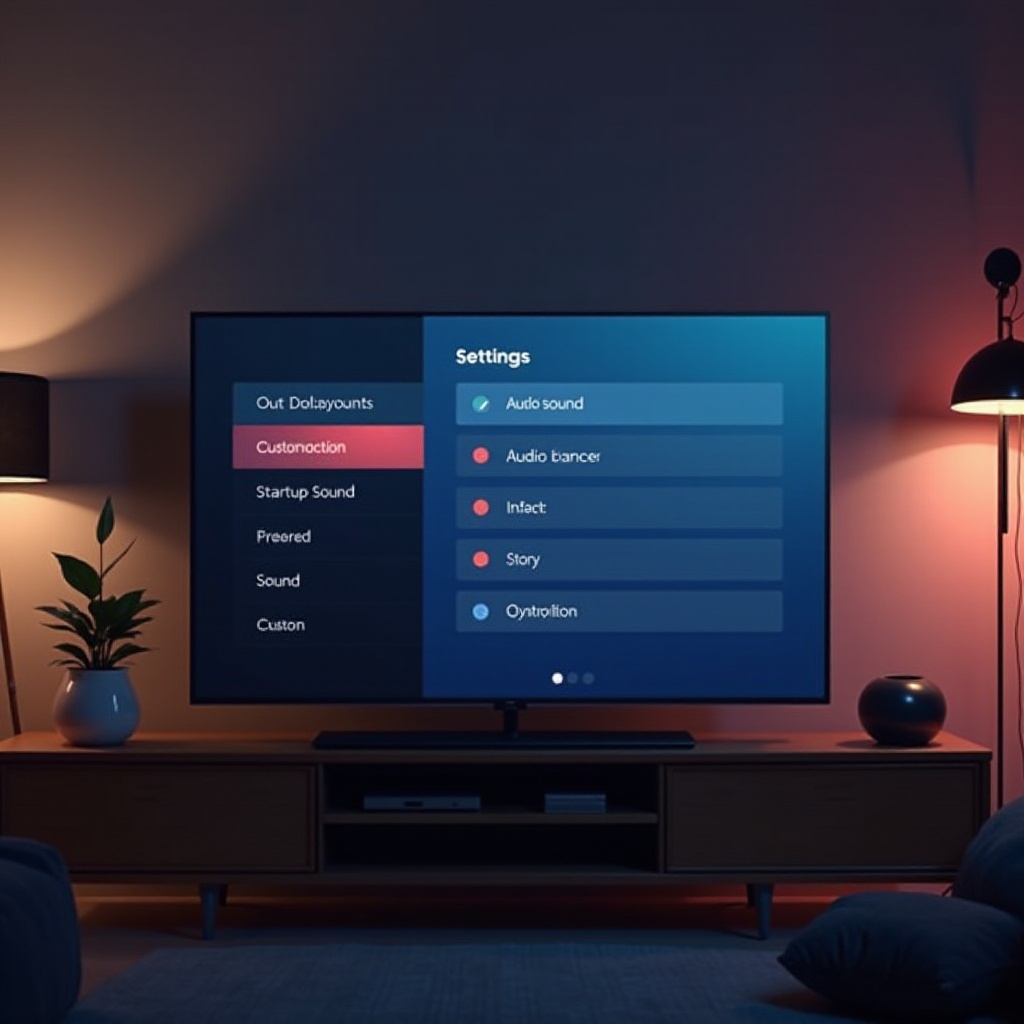
- Navigate to ‘Settings’ and select ‘Sound.
- Choose ‘Additional Settings.
-
Toggle the ‘Startup Sound’ option on or off depending on your preference.
-
Personalizing Your Sound Settings for Optimal Experience:
- Set the volume of your startup sound to your desired level in the settings menu.
- Test different sound settings in various ambient environments to find the best fit for your space.
With these customization options, you can personalize your startup sound settings, thereby enhancing your home’s unique viewing atmosphere. This personal touch not only provides comfort but also makes the startup experience distinctive to your environment.
Troubleshooting Common Startup Sound Issues
Sometimes users encounter issues like sound delays or absence during startup. It’s crucial to identify and resolve these problems to maintain a seamless user experience.
- Identifying Common Problems:
- No sound during startup.
-
Distorted startup sound or delayed audio playback.
-
Step-by-Step Troubleshooting Guide:
- Ensure your TV firmware is up-to-date, as updates may contain patches for sound issues.
- Check audio settings for any inadvertent changes.
- Perform a soft reset by unplugging the TV for a few minutes and then plugging it back in.
- If issues persist, contact Samsung support or consider a factory reset.
These troubleshooting steps help address most startup sound issues effectively. Resolving these problems ensures your TV is performing optimally, enhancing confidence in your device.
Enhancing TV Viewing Experience with Personalized Sounds
With your startup sound customized and issues resolved, the viewing experience becomes truly immersive. Tailored sound settings can make each startup engaging.
- Consistent sound levels foster a sense of familiarity.
- Customized audio settings elevate the atmosphere, offering an experience that’s uniquely yours.
These small adjustments significantly impact your device interaction, encouraging a broader appreciation for its features and versatility.
Conclusion
Customizing and troubleshooting the Samsung TV startup sound enhances not just your routine but the whole entertainment experience. A minor adjustment or troubleshooting step can make all the difference, ensuring your TV aligns with your lifestyle seamlessly.
Frequently Asked Questions
How do I disable the startup sound on my Samsung TV?
Navigate to your TV’s ‘Settings,’ select ‘Sound,’ then ‘Additional Settings,’ and toggle the ‘Startup Sound’ to off.
Why is there no startup sound on my Samsung Smart TV?
Ensure your firmware is updated and check if the startup sound is enabled in the sound settings.
Can I change the startup sound to a custom audio file?
Currently, Samsung TVs do not support customization of the startup sound with user-uploaded audio files.